
Free AI Text to Video Creator Online
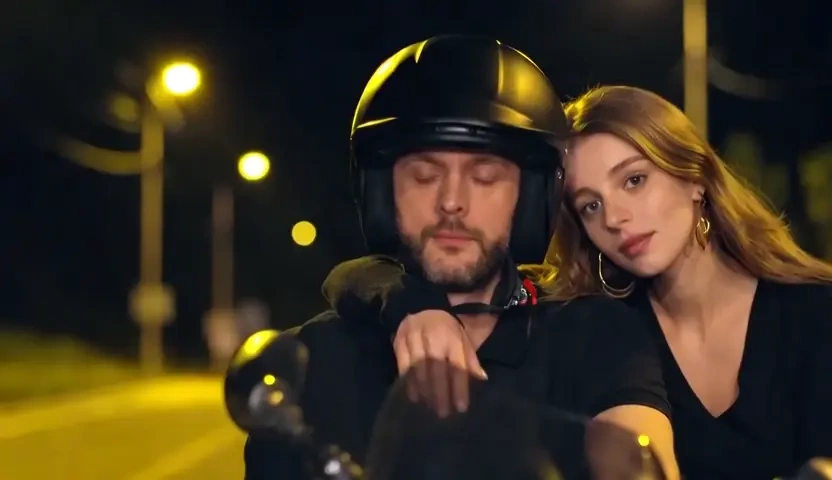
Type a product shot, a lesson beat, or a short story, and Lovias renders a timed clip instead of a still frame. Camera path, lighting, and subject identity stay anchored to the prompt so the result can leave the editor as a real video. Free to start when you want AI video from text without opening a desktop suite.
What is Lovias' Text to Video?
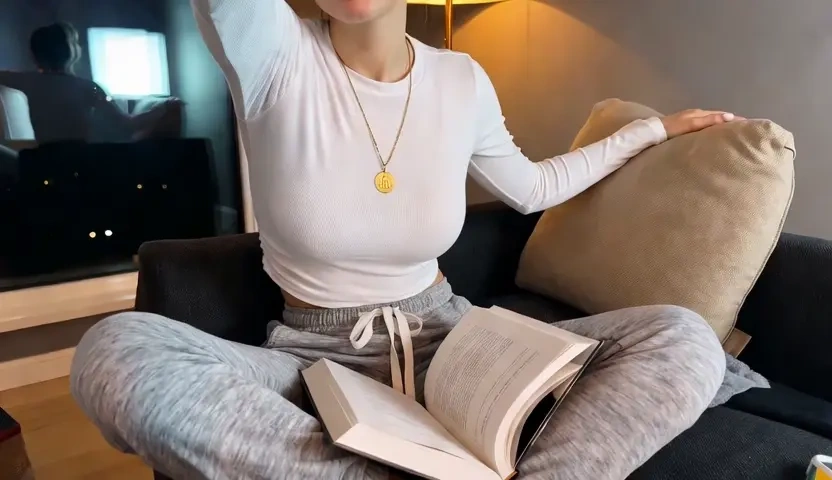
Lovias' text to video is an AI video generator from text: you describe a scene in language, and the system returns a moving clip rather than a poster. This page is not an image-to-video tool that warms up an uploaded photo; the input is a caption, script, or shot list, and the output is video from text. The model reads subject, setting, camera grammar, and pacing, then holds temporal consistency so a product, face, or room does not drift between frames. Teams treat it as a text to video converter when the brief is ready and footage is not. You can try it free, scrub the timeline, and rewrite a sentence until the motion matches the story.
How Does Lovias' Text to Video Work?
Step 1: Write the Scene Prompt
Open the editor and describe the shot in plain language: subject, place, light, and the action you want on the timeline. A short paragraph is enough to generate video from text; a shot list works when you need tighter control.
Step 2: Set Style, Duration and Camera
Choose cinematic, explainer, or social pacing, then lock aspect ratio and motion intensity. This is where the text to video AI reads camera moves, rather than treating your sentence as a caption overlay.
Step 3: Generate, Preview and Download
Render the clip, scrub the preview, and download when identity and lighting hold. If one beat feels off, revise a single sentence and run again. Free to start while you test the first scenes.
What You Can Do with Lovias' Text to Video?
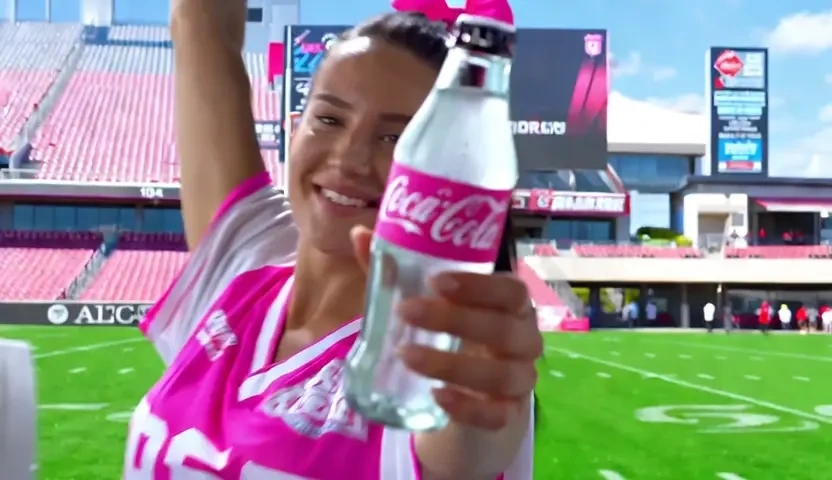
Turn Ad Copy into Social Video
A performance team often has a headline and a benefit line weeks before anyone books a shoot. Paste that copy and let Lovias create video from text, mapping product, setting, and one clean camera move onto a vertical or square timeline. Temporal consistency keeps the bottle, device, or pack shot from melting between frames, so the cut can run as paid social rather than a flickering collage. You leave with a first-pass film, not a storyboard that still needs footage.
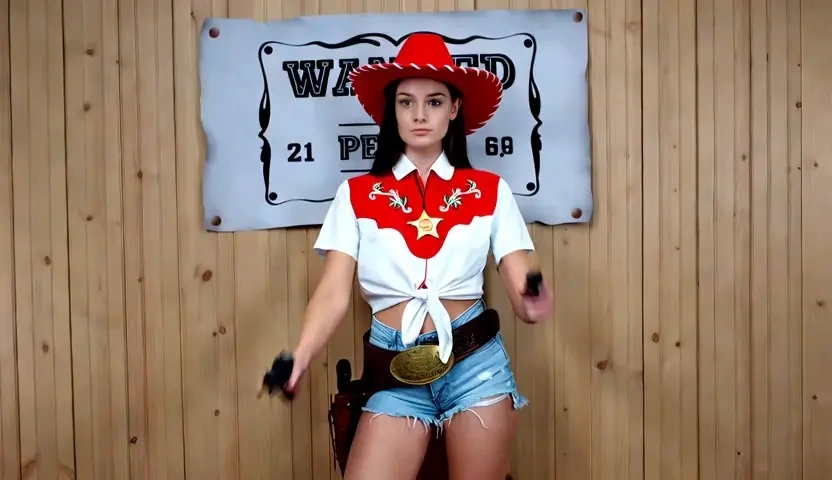
Convert Lesson Scripts into Explainers
Course designers can drop a twenty-second teaching script into the text to video generator and receive a visual explanation instead of a blank talking-head slate. The model follows the order of ideas, so a definition becomes a scene rather than random B-roll. Lighting continuity and paced cuts help a learner stay with the argument. Use it when you need to convert text into video for onboarding, internal training, or a public lesson.
Animate a Story from Written Narrative
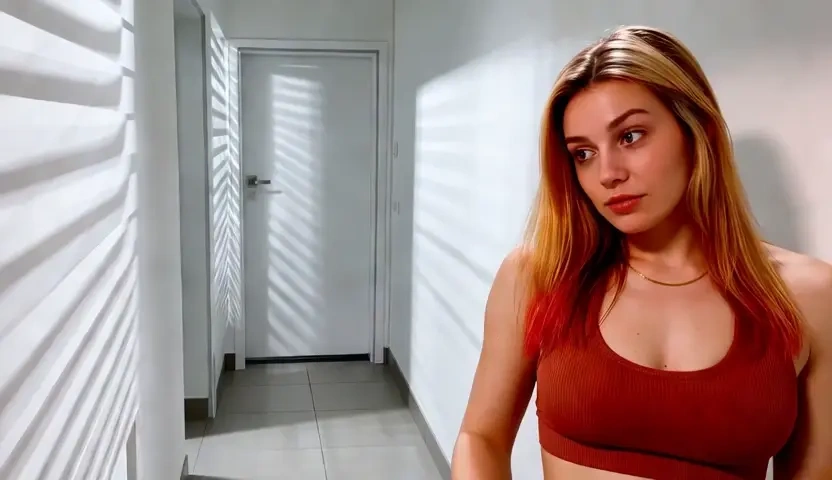
Writers and brand storytellers can feed a paragraph of fiction or campaign lore and receive a text to animated video result whose weather, wardrobe, and motion are inferred from the verbs. Lovias does not stamp titles onto a stock loop; it builds shot composition from setting details. That is a practical way to create animated video from text for a trailer, a poem, or a mood film that has to exist before illustration is finished.
Launch a Product Film from a Brief
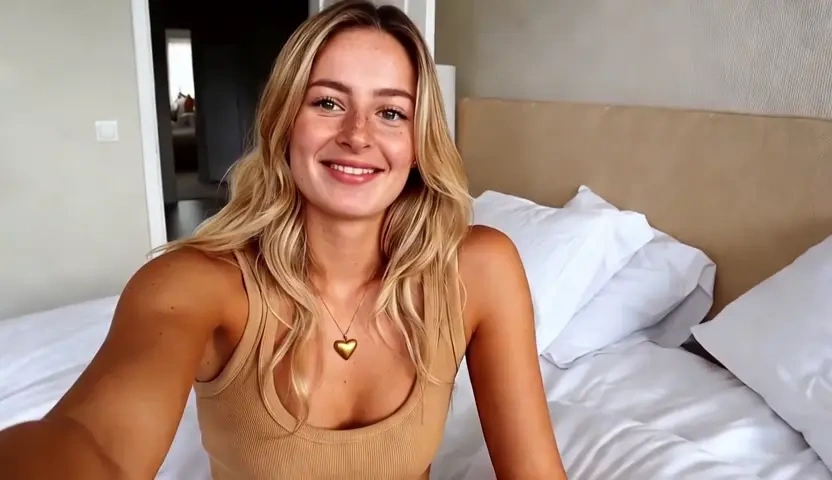
Founders usually write the launch brief first: the problem, the product in use, and the closing promise. Lovias can generate AI video from text so a first cut exists before a studio day is booked. Style lock holds color and lens language across beats, which matters when the same clip will be cropped for ads and a landing hero. Preview privately, then download the version you are willing to share.
Who is Lovias' Text to Video for?

Social Media Marketers and Performance Teams
If the calendar still needs weekly clips after the shoot budget is gone, a text to video AI tool lets you ship from the brief. You keep control of the claim while Lovias handles first-pass motion for Reels, Shorts, and paid placements.

Educators and Course Designers
Lesson notes and SOP drafts already hold the expertise; they just are not watchable yet. An AI video creator from text turns that writing into an explainer without waiting on a full production crew.
Founders, Freelancers and Storytellers
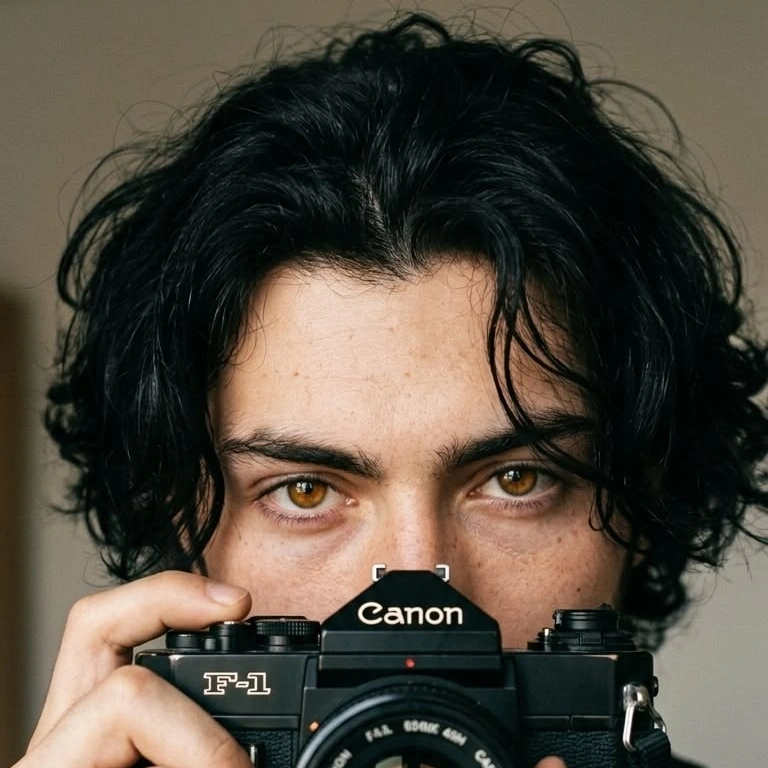
You can make a video with text in the browser, keep drafts off a public gallery, and iterate until the scene matches the pitch. Free to start when you are testing the first brand film or campaign mood piece.
Why Choose Lovias' Text to Video?
Prompt-Grounded Motion, Not Random B-Roll
Lovias treats the sentence as direction: subject, verb, and setting become shots instead of decorative stock. Temporal consistency reduces flicker so a product or character remains the same object across the clip. That is the difference between a usable cut and a collage that still needs a reshoot.
Camera Grammar You Can Write
Pan, push-in, and hold can live in the prompt, which is why this works as a text to video AI generator rather than a caption stamper. You stay in language; the model handles the timeline. Style lock then keeps lens and color from drifting when you iterate one beat at a time.
Private Browser Workflow, Free to Start
Prompts and renders stay in your session rather than a public feed. Try it free, preview before you download, and keep early experiments off shared galleries. The workflow is built for original scenes you direct, not celebrity lookalikes or copyrighted characters.