
AI Image Generator from Text Prompt or Photo
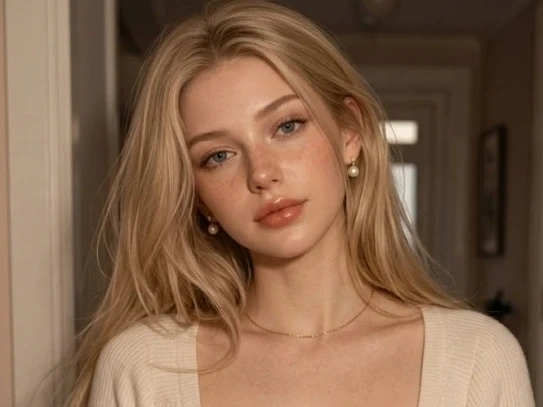
Write the scene or upload a reference and Lovias returns a still image rather than a clip. Subject, light and crop stay in your brief so the frame can leave the canvas as a key visual. Free to start when you need AI generated images before anyone books a camera.
What is Lovias' AI Image Generator?
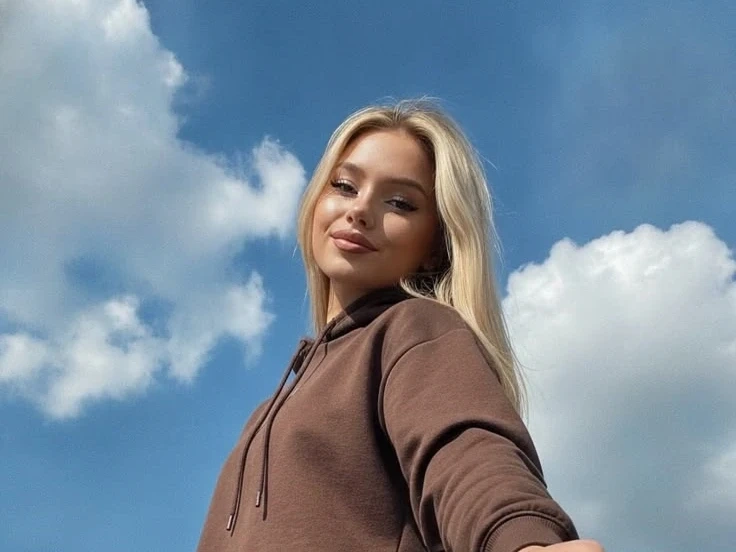
Lovias' AI image generator is a still-image studio: you write a prompt or upload a reference, and the model returns a picture rather than a clip. The output is a frame you can art-direct, crop and reuse. Text to image AI sets subject, light, and composition from language, while image to image AI keeps your photo as the scaffold and shifts style or wardrobe. Teams use it when the brief is visual and motion would only get in the way. You can try it free, compare stills, and lock a look before any video page is opened.
How Does Lovias' AI Image Generator Work?
Step 1: Write a Prompt or Upload a Reference
Describe the still in plain language, or drop a photo if the composition must stay. A sentence starts a new picture; a reference starts an image to image pass on the frame you already trust.
Step 2: Set Style, Aspect and Strength
Choose cinematic, product, or editorial light, then lock the crop. When a reference is present, strength decides how close the AI image generator from image should stay to the upload.
Step 3: Generate, Preview and Download
Render the still, compare variants, and download the frame that holds. If type or hands collapse, simplify the prompt and run again. Free to start while you test the first looks.
What You Can Do with Lovias' AI Image Generator?
Build Campaign Stills from a Written Brief
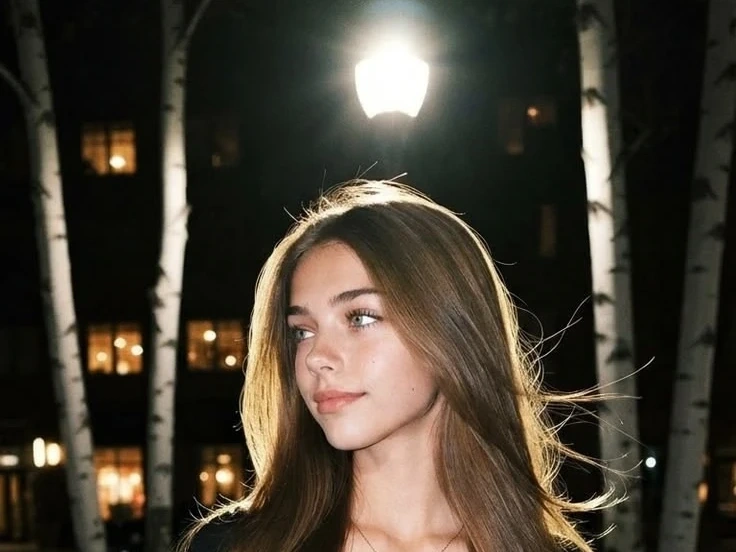
Art directors often have a sentence before they have a photographer. Write the scene and let Lovias create AI images that already know the product, the hour of day, and the crop the channel needs. Prompt-to-composition grounding keeps the hero in the third where you put it, instead of floating in decorative fog. You leave with a key visual for a deck or ad, not a video you still have to pause.
Restyle an Approved Photo Without Losing Geometry
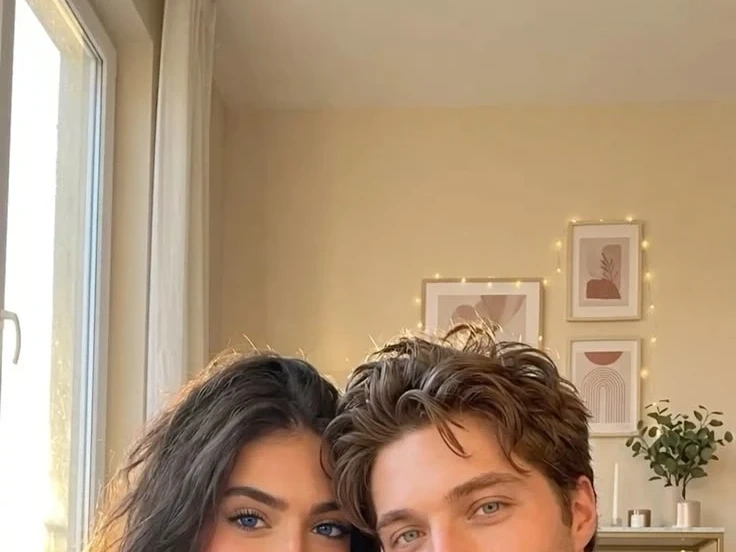
When a pack shot or a location still is already approved, image to image AI is the safer path. Upload the frame, describe the season, material, or wardrobe you want to change, and keep geometry from the source. Reference lock is the quality point: the bottle silhouette should survive the restyle so legal does not see a new SKU. You are iterating a still you already trust, not booking a second photoshoot.
Preview Colorways Before a Sample Exists
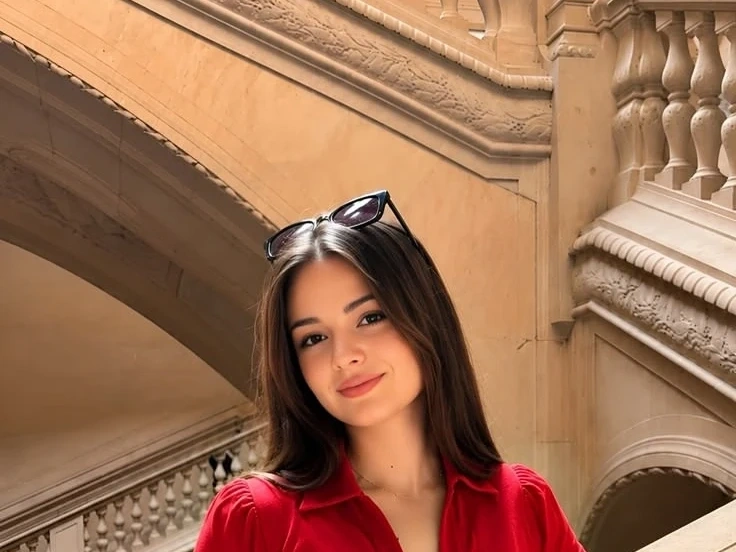
Product and packaging teams can preview a finish, a colorway, or a lifestyle crop before a sample exists. An AI photo generator is useful here because the still has to look photographic enough for a review room, not like a sticker on noise. Lighting continuity across the set of variants helps a merchandiser compare apples to apples. Download the frames that survive the meeting; discard the rest.
Lock a World in Stills Before Video
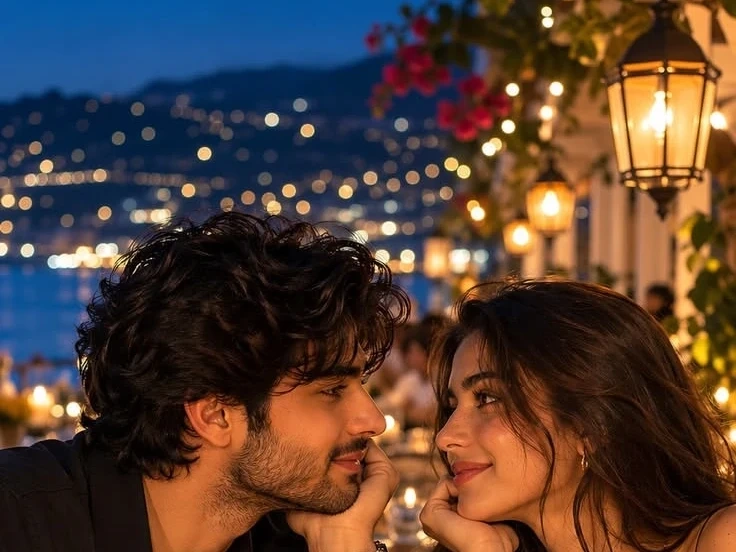
Writers and concept artists can lock a world in stills before anyone opens a video page. Generate a wide, a detail, and a character plate from the same style notes so later motion has something honest to follow. This is AI image creation as previsualization, not a substitute for a finished film. When the stills hold, Text to Video or Image to Video becomes a second step instead of a guess.
Who is Lovias' AI Image Generator for?
Art Directors and Brand Leads
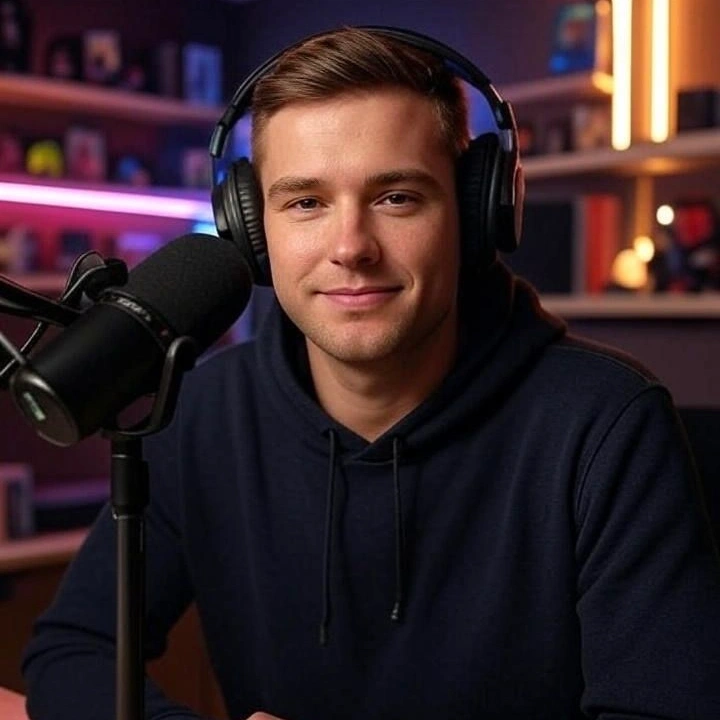
If the campaign sentence is ready and the shoot is not, a text to image generator gives you a still you can argue about in the room. You keep taste; Lovias drafts the light and the crop.
Product and Merchandising Teams
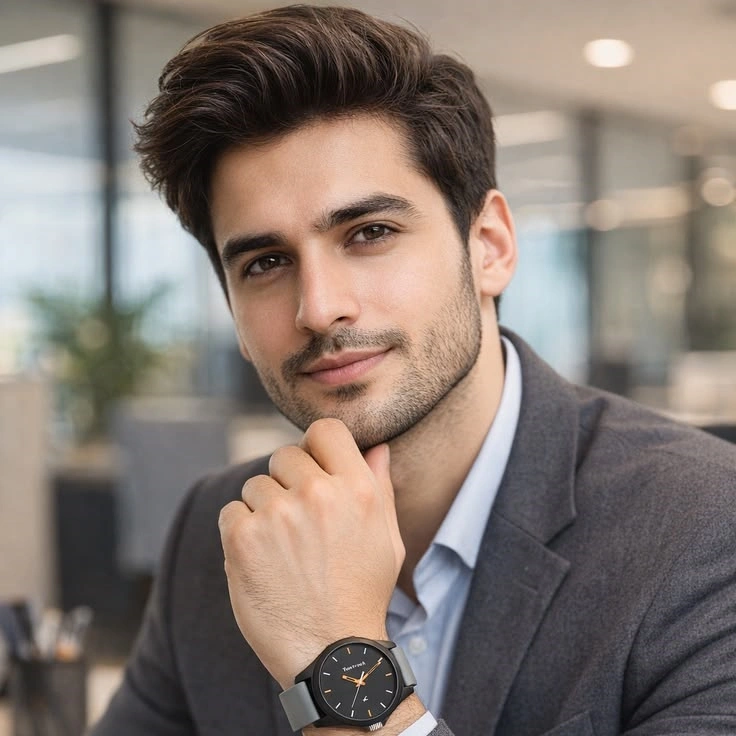
Colorways and lifestyle crops have to exist before tooling is paid. An image to image generator lets an approved photo carry a new season without pretending it is a different product.
Concept Artists and Independent Makers
You can start with AI generated images, pick a look, and only then decide what deserves a camera or a video page. Free to start when the first worlds are still cheap to throw away.
Why Choose Lovias' AI Image Generator?
Composition You Can Specify
Subject, lens, and light belong in the sentence. Lovias treats the prompt as a stills brief, so the hero lands where you asked instead of in a random corner. That is the difference between a usable key visual and decorative noise.
Two Inputs, One Still Output
Write for a new picture, or upload when the geometry must stay. Text to image and image to image share the same canvas, and neither pretends to be a video renderer. You download a frame, not a timeline you still have to pause.
Variant Compare, Private Download
Generate a small set, keep the one that holds, and try it free. Stills stay in your session rather than a public gallery. The workflow is built for images you are allowed to publish, not for celebrity likeness or copyrighted characters.