
AI Image to Video Generator Free Online
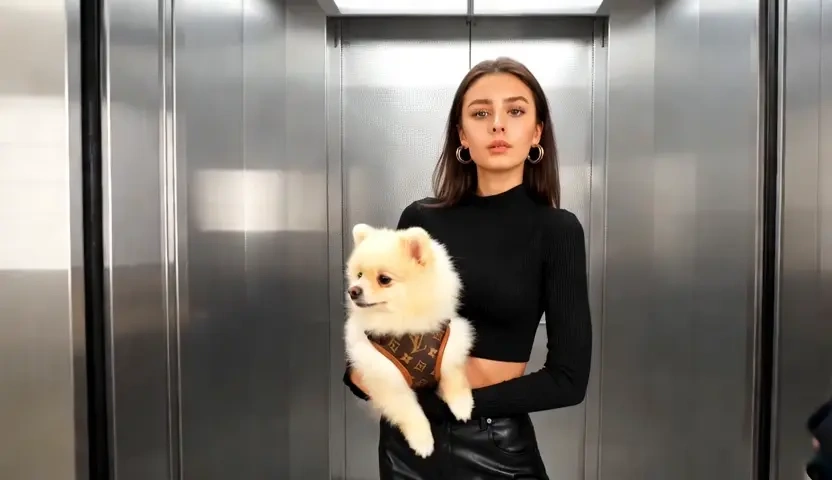
Upload a product shot, a portrait or an illustration, and Lovias turns that frame into a timed clip. Identity stays locked to the source photo while camera path and light continue the original scene. Free to start when you want image to video in the browser, not a slideshow of many files.
What is Lovias' Image to Video?
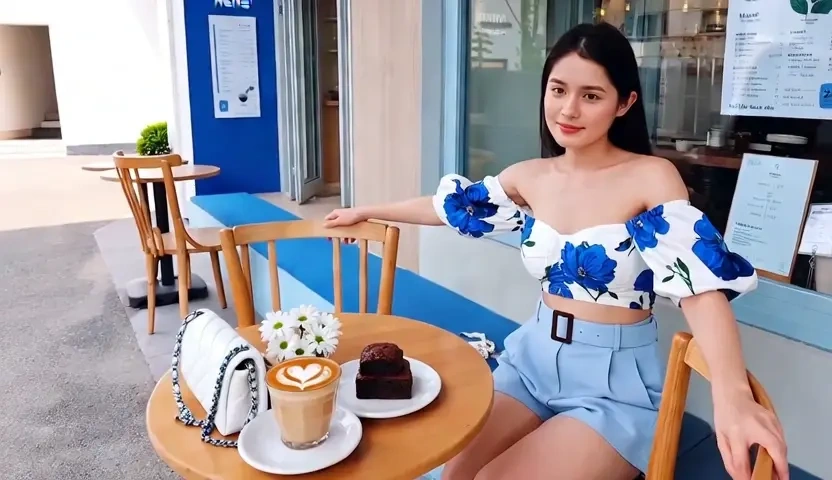
Lovias' image to video is an AI image to video tool: you upload a still, and the model returns a moving clip that should still look like your picture. Unlike the Text to Video AI, which invents a scene from language, this workflow starts from a photo, so a pack shot or portrait can become video without being redrawn. The generator reads depth, edges, and light in the source frame, then applies camera motion while holding identity so faces and products do not drift. Teams use it as an image to video converter when the hero image already exists and only motion is missing. You can try it free, preview the timeline, and tighten the move until the still feels directed.
How Does Lovias' Image to Video Work?
Step 1: Upload the Source Photo
Drop a JPG, PNG, or WEBP still into the editor. One clear image works better than a collage; this page animates a frame, it does not assemble a multi-photo album.
Step 2: Choose Motion, Camera and Intensity
Set a push-in, orbit, or a lighter life in fabric and background. The image to video generator treats your photo as the master frame, then decides how far the camera may travel before edges tear.
Step 3: Generate, Preview and Download
Render the clip, scrub for identity drift, and download when the subject still matches the upload. If hair or logos smear, reduce motion and run again. Free to start while you test the first stills.
What You Can Do with Lovias' Image to Video?
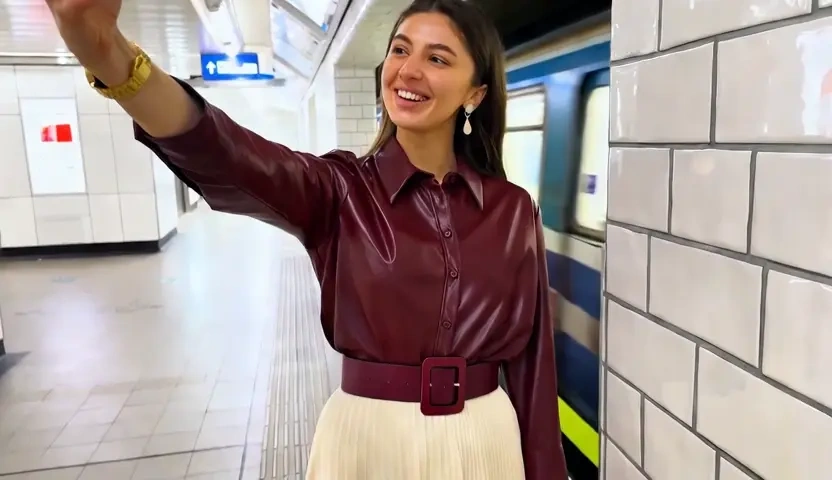
Turn a Pack Shot into a Shoppable Clip
A catalog still often has to carry a whole ad before anyone films. Upload the pack shot and let Lovias create AI video from image so the bottle, device, or box keeps its label while the camera makes a short orbit. Edge-aware motion protects logos and reflections that a generic zoom would smear. The result is a shoppable clip for a PDP or paid social, not a slideshow that merely crossfades other SKUs.
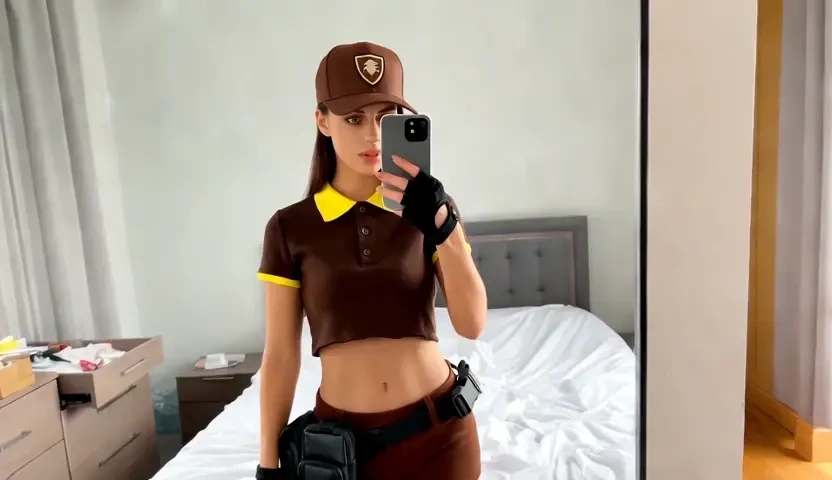
Give a Portrait Subtle Life
Portrait photographers and personal brands can turn a still headshot into picture to video without inventing a new face. Lovias locks bone structure and wardrobe from the upload, then adds a restrained blink, breath, or push-in. That photo to video AI path is useful when you need a page hero or a profile loop and a reshoot is not possible. Keep motion modest; large head turns are where likeness usually breaks.
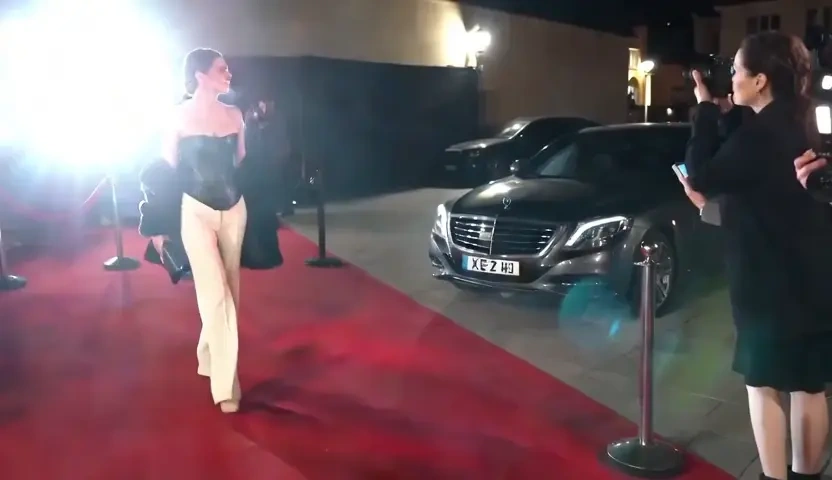
Animate Artwork Without a Restyle
Illustrators can feed a finished painting or poster and receive image to animation rather than a random restyle. The model follows contour and color blocks already in the file, so clouds, cloth, or light can move while the composition stays yours. This is a practical way to animate image to video for a portfolio loop, a book trailer, or a poster that has to live on a homepage. Try it free before you commit a print file to a heavy move.
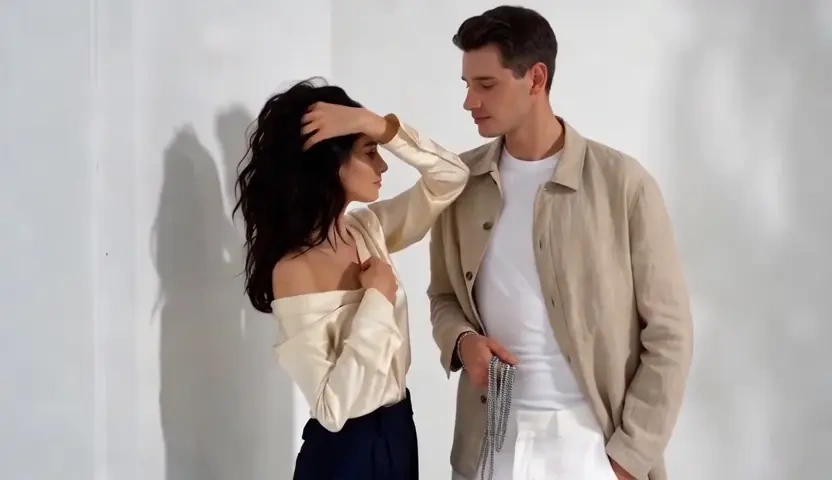
Ship a Social Cut from One Still
Creators often have one strong frame from a shoot and need a nine-second cut by evening. Turning photos into video here means that frame gets camera and atmosphere, not a folder of holiday pictures scored with music. Lighting continuity is inherited from the original exposure, so golden-hour color does not snap to a different grade mid-clip. Export a vertical or square master, then add a track in your usual editor if the platform needs music.
Who is Lovias' Image to Video for?

Ecommerce Sellers and Product Marketers
If the SKU photo is approved but the video brief is not, image to video AI gets a first motion cut from the same asset. You keep the label legally accurate while the camera does the rest.
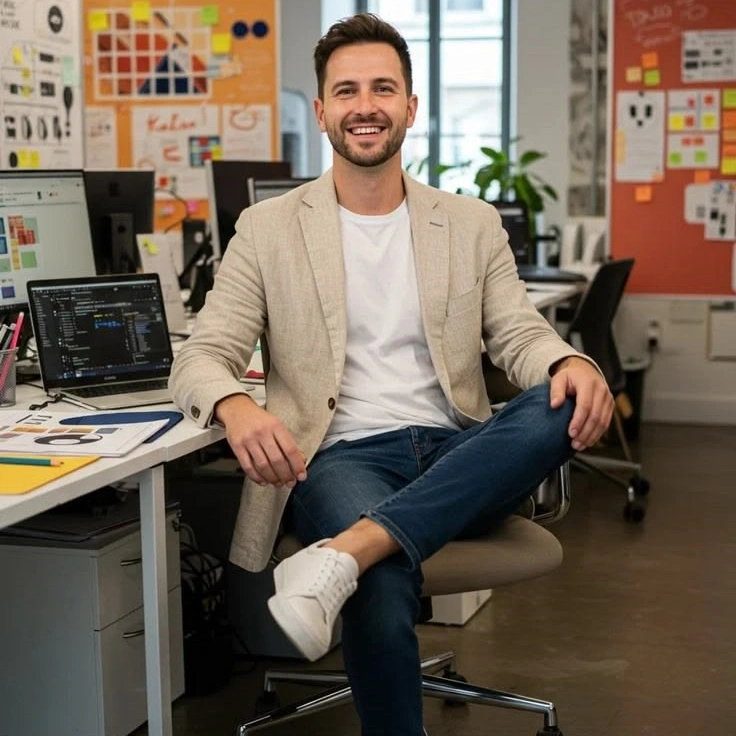
Photographers, Illustrators and Visual Artists
A still you already lit can become a loop without a second crew day. Picture to video AI is useful when the art is finished and you only need it to breathe on a site or reel.
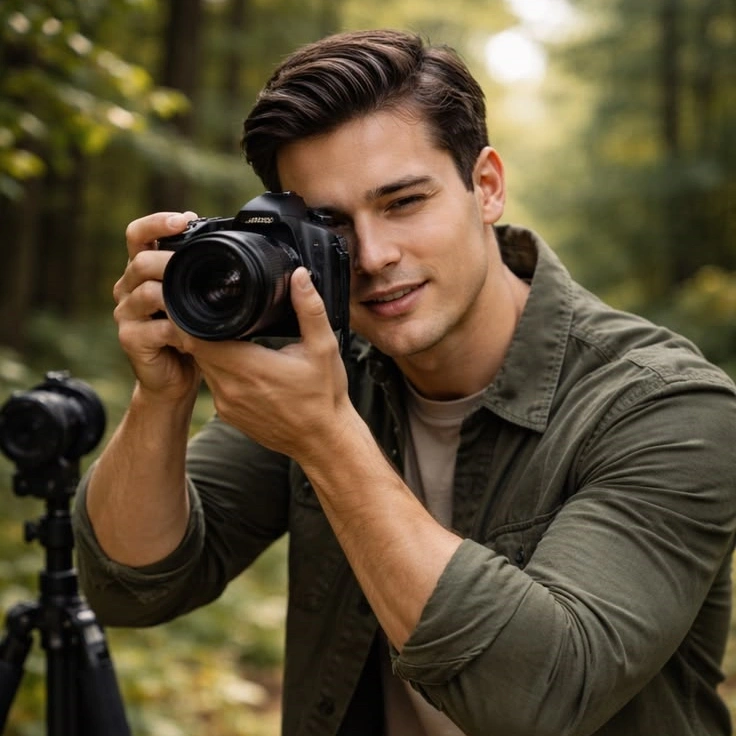
Social Creators and Brand Designers
You can make video from images in the browser when the best frame is already on the camera roll. Free to start, preview privately, then download the clip you are willing to post.
Why Choose Lovias' Image to Video?
Source-Frame Identity Lock
The upload is the master, not a mood board. Lovias holds face, product geometry, and typography so the clip remains a photo to video conversion rather than a new invention. If the still would not pass legal or brand review, the motion cut should not either.
Depth-Aware Camera on a Still
Parallax and push-in come from estimated depth, so foreground and background separate instead of smearing as one sticker. That is why a single hero image can carry a short film beat. Intensity stays in your control when hair, type, or foil starts to tear.
One Upload, Browser Preview
No desktop suite and no album builder. Drop a still, set the move, and try it free. Drafts stay in your session rather than a public gallery, and the workflow is built for images you own or are licensed to animate.